
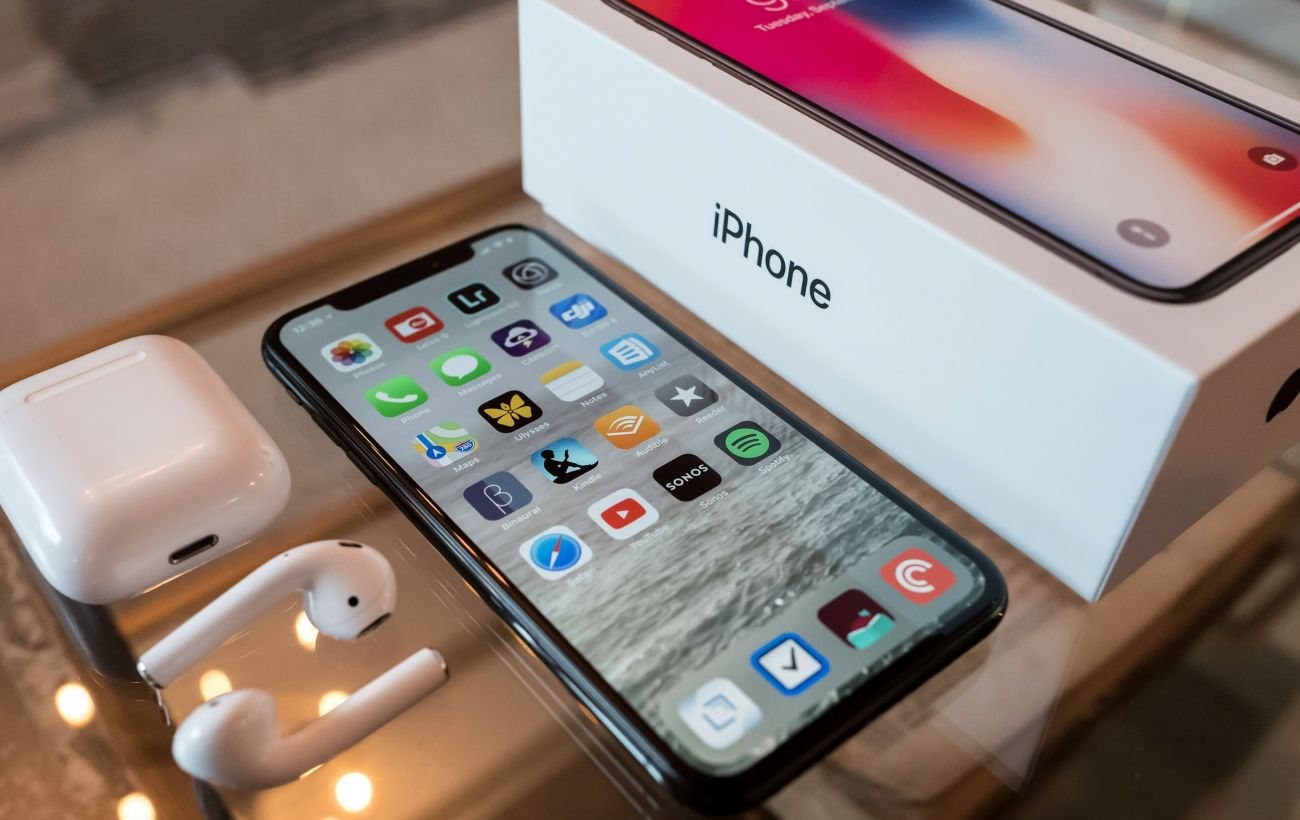
Apple has released iOS 26.4: a list of the main new features for iPhone. Source: rbc.ua” +rel=”nofollow”
The main feature is the offline mode for Shazam: now the smartphone “remembers” the song it hears without internet and finds it as soon as the connection is restored.
Apple has released the official iOS 26.4 update, which includes a significant improvement to the popular music recognition feature in the Control Center. Now users can identify tracks even in areas with no mobile signal or Wi-Fi.
This was reported by RBC-Ukraine, citing Gear Patrol.
More interesting news: Instead of chips – brain cells: how the world’s first biocomputer works
How Shazam works without the internet
Previously, when trying to recognize music through the Control Center without a network, the iPhone would display an error message saying “No connection.” In iOS 26.4, this process has become intelligent. Now the system informs: “Music recognition offline. We will find the song when you are back online.”
As soon as the smartphone connects to the internet, the user will receive a notification with the title and artist of the track. This eliminates the need to have a separate Shazam app installed, as the feature is now fully integrated into the system.
 iOS 26.4 has taught the iPhone to recognize music offline (Photo: Tucker Bowe/Gear Patrol)
To add music recognition to your iPhone:
- Open the Control Center (swipe down from the top).
- Tap “+” in the top left corner.
- Select “Add Control” and find “Music Recognition.”
What else does iOS 26.4 offer
In addition to music updates, the firmware has brought several important changes:
- Battery health: new ways to track battery status and tips for extending its lifespan.
- Camera settings: new options for professional shooting have been added.
- Apple Music: the service has received an updated interface and improved recommendation algorithms.
- Emojis: the set of symbols has been expanded with fresh icons for messaging apps.
The update is already available for download on all compatible iPhone models. You can check for the update in the “Settings” – “General” – “Software Update” menu. Before installing, developers recommend backing up your data via iCloud.
Even more interesting:
- ChatGPT is now in your car: how to enable the smart assistant on the CarPlay screen
- Apple accused of stealing video from YouTube: what is known about the scandal
Source: rbc.ua +rel=”nofollow”
You may also like